
Splashtop + SysAid: Simplified AI Remote Support

Our new partnership with Splashtop provides a seamless remote support experience directly from your Service Desk – in just one click!
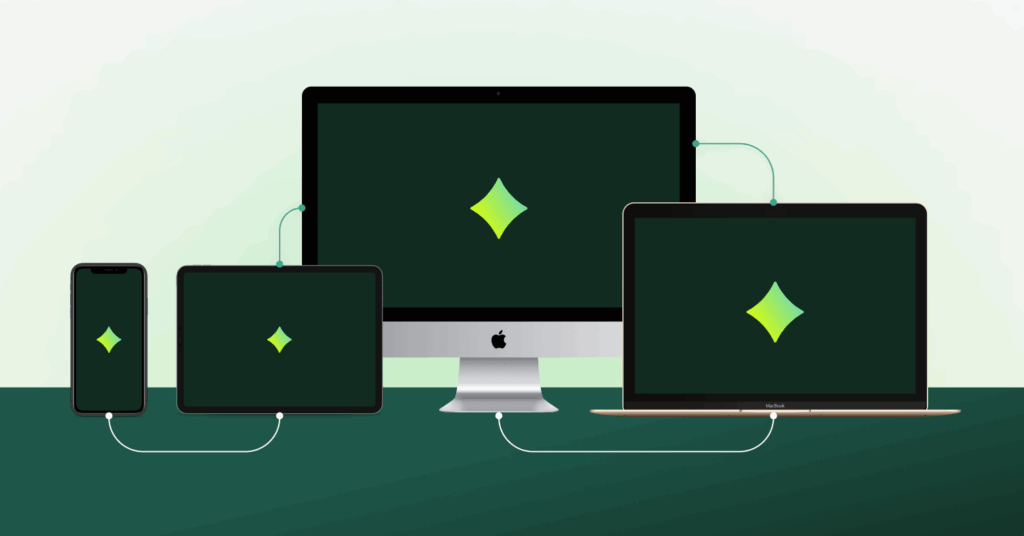
The challenges of providing remote support
The “standard” remote support experience often kicks off with a series of hurdles, lag-time, and delays. A user sees a fishy popup, an “insufficient access” error appears, or the classic “turn it off and back on” fails. They’re frustrated, and as an IT service pro, you’re just getting started.
For IT professionals, the struggle is real:
The help desk agent: Spends 10 minutes of a 15-minute call just trying to get connected to the user’s device, or even worse, spends 30 minutes trying to walk a user through a 5-minute fix without a remote session.
The IT manager: Worries about security risks and Shadow IT (like agents using unauthorized Zoom sessions), increased MTTR, and lower CSAT.
The business: Suffers from downtime and high operational costs due to remote support tools that are insufficient, low-resolution, or high-latency.
That’s why we’re excited to announce our partnership with Splashtop. We’re bringing premium, high-performance remote support directly into your SysAid Help Desk that’s integrated with our AI.
TL;DR: High-Performance Remote Support, Powered by AI
SysAid’s partnership with Splashtop integrates enterprise-grade remote access directly into your service desk workflow. By combining high-speed connectivity with agentic AI, this integration eliminates the friction of traditional remote troubleshooting:
- One-Click AI Connectivity: SysAid Copilot automatically identifies the correct device and generates a session link—no secret codes or manual asset lookups required.
- Performance Without Latency: Supports 4K resolution and ultra-low latency across laptops, mobile devices, and kiosks, providing a “same-room” experience.
- Flexible Access: Includes both attended and unattended access, allowing for off-hours maintenance and background command execution without disrupting users.
- Automated Governance: Every session is automatically logged in the Ticket Journey, ensuring secure documentation and session recording for audit purposes.
- Smart Suggestions: Copilot learns from historical ticket data to proactively suggest remote sessions when they are the fastest path to resolution.
Why Splashtop? The remote solution for everyone
Splashtop is a best-in-class, award-winning solution that balances enterprise-grade power with total simplicity. Whether you’re managing a global server room or a single mobile device, Splashtop delivers:
Security you can trust
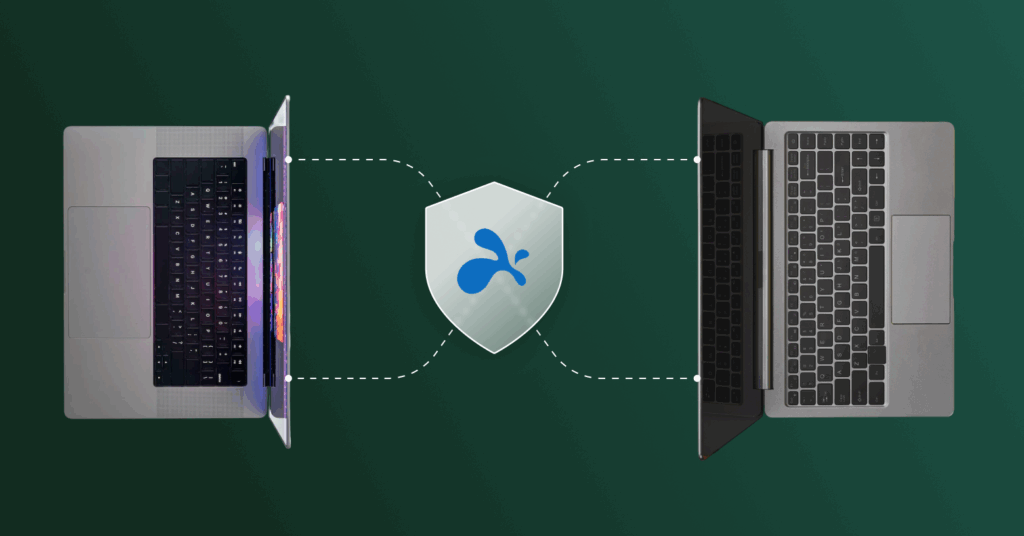
Forget bypassing firewalls or toggling VPNs. Splashtop provides a secure, direct link between devices. With SSO/SAML and granular permissions options, you can support your team without opening the door to hackers.
Real-time support
From 4K resolution to ultra-low latency, it feels like you’re sitting right in front of the device you’re mirroring. Supporting a broad range of operating systems across laptops, tablets, mobile phones, servers, and even kiosks–all your devices are covered.
Advanced access options
Need to fix a bug while the employee is at lunch? Or install software across the company during off-hours? Splashtop allows for both attended and unattended access, giving you the flexibility to work when it’s least disruptive. Additionally, you can start an ad-hoc session for a device not on your network.
Key features at a glance:
- In-session voice, chat, and notes
- Remote reboot and automatic reconnection
- Background actions and command execution
- Session recording and automatic logging
The SysAid-Splashtop integration: A match made in the cloud
By integrating Splashtop directly into SysAid ITSM and using our powerful built-in AI, we’ve eliminated the “friction” of remote support. There are no secret codes and no hoops to jump through – just quick, easy, reliable access.
“We were incredibly impressed with SysAid’s advanced AI capabilities and how they complement our high-performance remote access. By joining forces, we are redefining what’s possible in remote support and ensuring technicians have the smartest tools available to resolve issues instantly.” – Italo Nava, Splashtop
How it works:
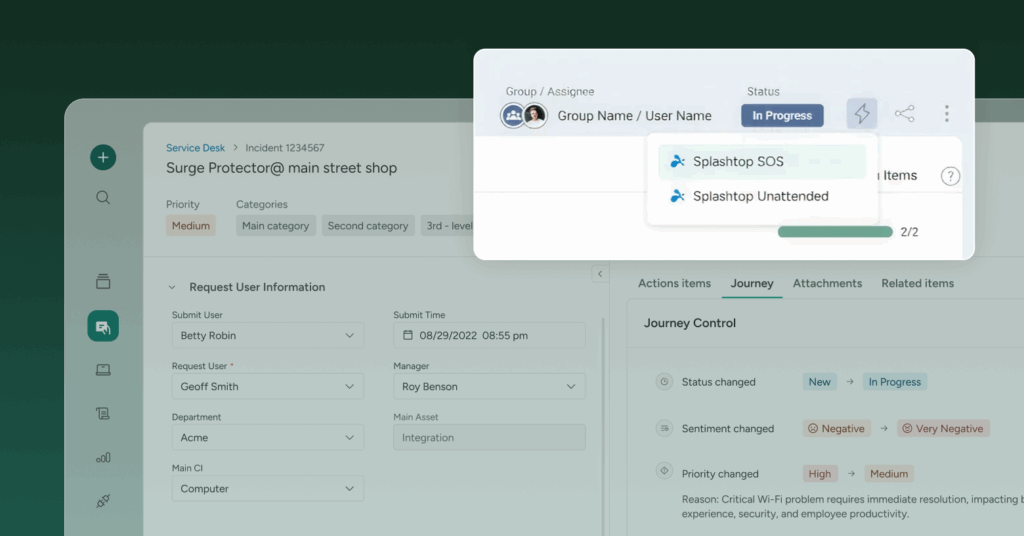
One-click connection: Our AI integration lets you launch a remote session directly from a SysAid ticket using Copilot–behind the scenes, AI recognizes the device from the ticket or, if it’s missing, via SysAid’s AI-driven Asset Manager–all you have to do is click a link to start the session or chat with the user to request permission.
Automated documentation: The session is automatically logged in the Ticket Journey, including any notes you take–saving valuable time and ensuring everything is logged.
In-session: Once you’re in the remote session you can disable their keyboard, update permissions to admin, share files from your computer or a USB, bring in 2 more agents, view multiple screens, share your screen… just like you’re there in person.
Detailed analytics: Open the Splashtop business app to view comprehensive logs, recordings, and actions taken for audit purposes–get full visibility into your remote support sessions.
AI efficiency: Copilot will learn from previous tickets to automatically suggest a remote support option and automatically provide a link to connect–removing steps to improve MTTR and CSAT.
Splashtop is simple, reliable, and used by over 30 million happy users, including several Fortune 500 companies.
Ready to simplify your remote support?
Splashtop is an enterprise-level solution at an affordable price–making it great value–try it out for free with the SysAid AI integration. Get a 2-week free trial
Did you find this interesting?Share it with others:
Did you find this interesting? Share it with others:
Incident management for manufacturing: the cost every minute the line is down

Why manufacturing floor issues never become IT tickets

Confront shadow IT with the SysAid Browser Extension
Your IT team is losing 35% of its capacity to manual work

From firefighting to future-proofing: Using Mean Time to Resolution to build a proactive IT culture
Stop making employees wait: The case for an IT self-service portal that actually works