

AI-FIRST ITSM SOFTWARE
AI-First IT Service Management Software
Built for IT teams who’ve grown past the basics.
Top rated on G2, Capterra, and more


Gain total visibility into every IT asset
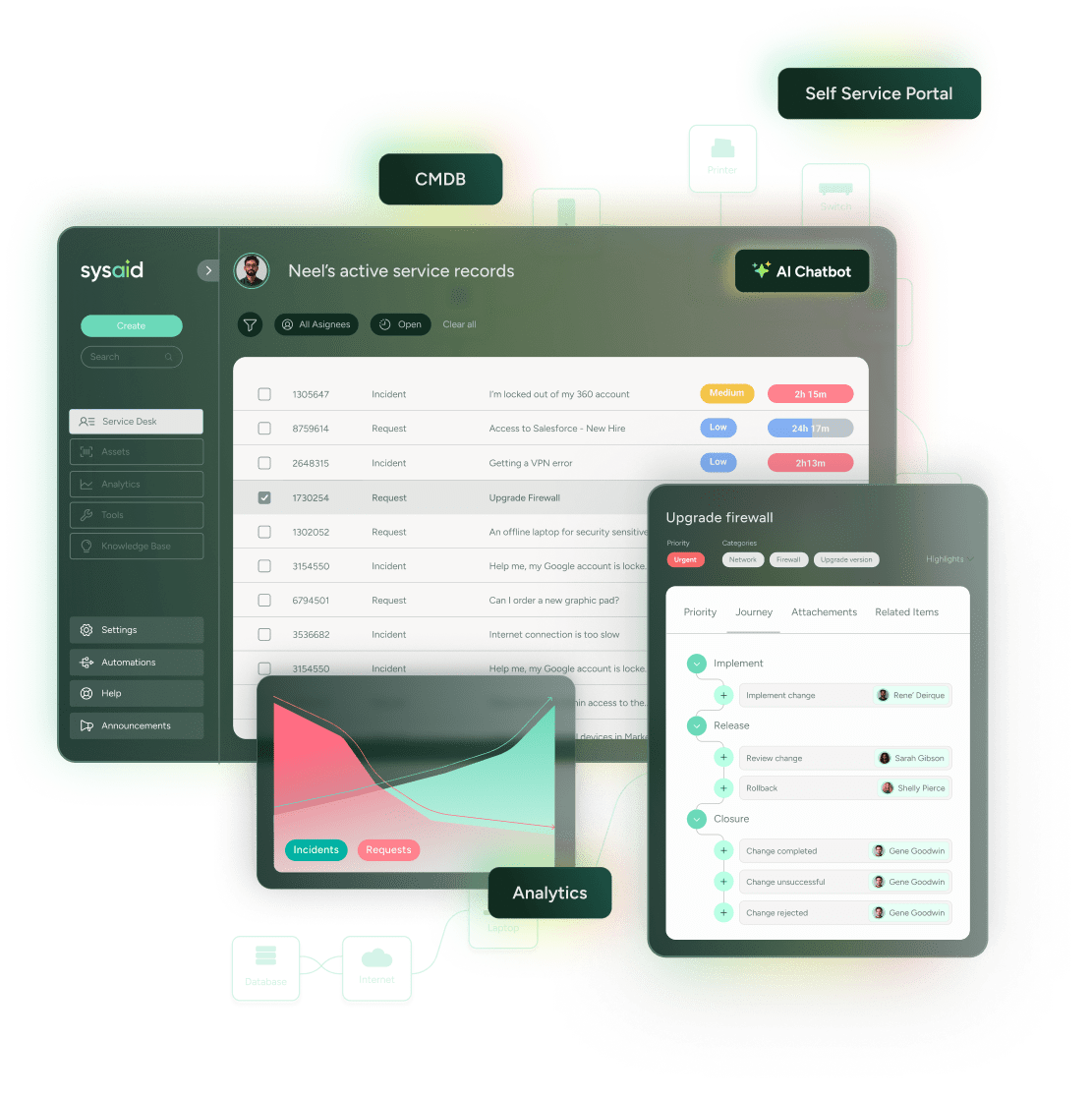
Discover and manage every asset, including hardware, software, cloud, and IoT, with zero blind spots. AI agents monitor usage, flag issues, and trigger fixes before users feel the impact. Embedded asset data in every ticket ensures nothing slips through the cracks.
Polar Beverages boosted efficiency by 30–40% thanks to faster asset tracking, ticketing, and automation
Read more

Make smarter IT decisions faster
Get the full picture of your IT performance with powerful built-in dashboards and customizable reports. SysAid’s reporting tools give you the insights you need to track KPIs, identify trends, and make smarter, data-driven decisions, without relying on BI experts.
By leveraging SysAid’s BI, CYBEX cut ticket volumes and sped up resolutions with real-time IT insights.
Read more
Streamline every workflow, from first click to resolution
From incident and change management to approvals, escalations, and beyond, SysAid’s AI-powered ITSM automates end-to-end workflows to eliminate delays and boost efficiency. Streamline tasks like HR onboarding, change approvals, and ticket escalations with less manual effort and faster results.
Mission Health improved MTTR by 10%, with 75% of tickets closed the same day.
Read more
Empower users and lighten the load for IT
Our Self-Service Portal gives employees a simple way to get help without calling or emailing IT. They can submit tickets, track progress, and find answers in the knowledge base, all in one place. The portal is intuitive, customizable, and helps reduce ticket volume so IT can stay focused on what matters most.
“The more we encouraged self-service, the more users appreciated it, easier ticket submission for them, faster support from us.” – Scotia Investments
Read more
Aligned with ITIL best practices
SysAid is a PeopleCert-accredited ITIL 4 tool that supports core practices like Incident, Problem, Change, Request, and Configuration Management. Built-in workflows and templates ensure structured, repeatable processes. With automation and AI, SysAid drives efficient, compliant service delivery and continual improvement.


AI-driven IT service management
that delivers results, every time.
Join 10M users all over the world


